AI navigation · Made in Montréal

Navigation that tells you where you are.

Turn-by-turn directions with an AI co-pilot. Reach a new city and it offers you the story of the place. Ask with your voice, and bring your friends along.

Free to download. The AI gets the city's name, never your location.

The new version with AI stories is coming soon to the stores.

Shared only on the wayOn an outing, friends see you only on the way there.
An AI storyteller on boardA 30-second story when you reach a city that is new to you.
Turn-by-turn built inDirections to the meeting spot without switching apps.

Your AI co-pilot

Every drive comes with a story.

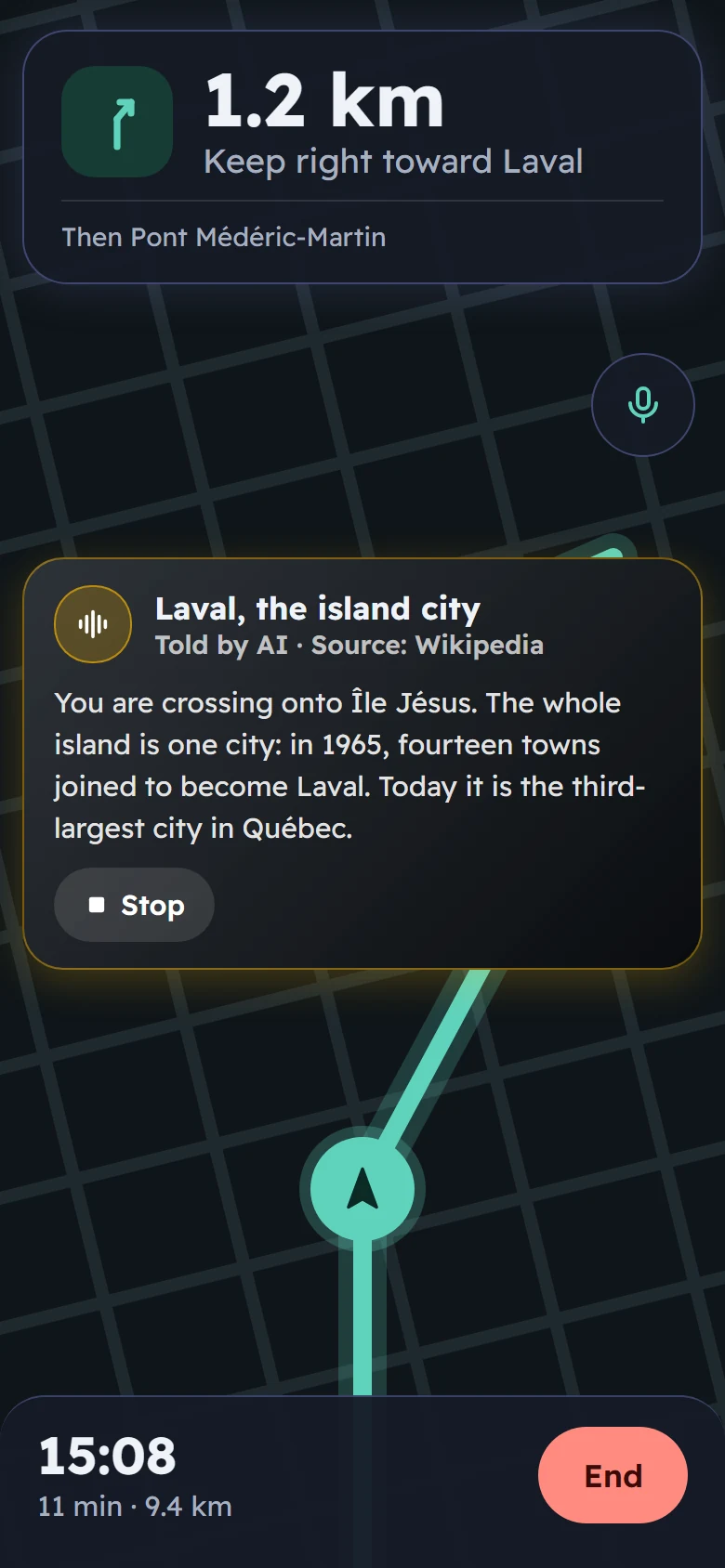
Cross into a city you have never been to and FriendsMap offers its story: about 30 seconds, read aloud, with the words on screen. Written by AI from Wikipedia, with the source shown. One tap to listen, one tap to stop.

  • Only for places that are new to you, never your own street.
  • No more than one offer every 30 minutes on a road trip.
  • Pauses on its own when a call comes in.
  • The AI gets the city's name. Never your location.
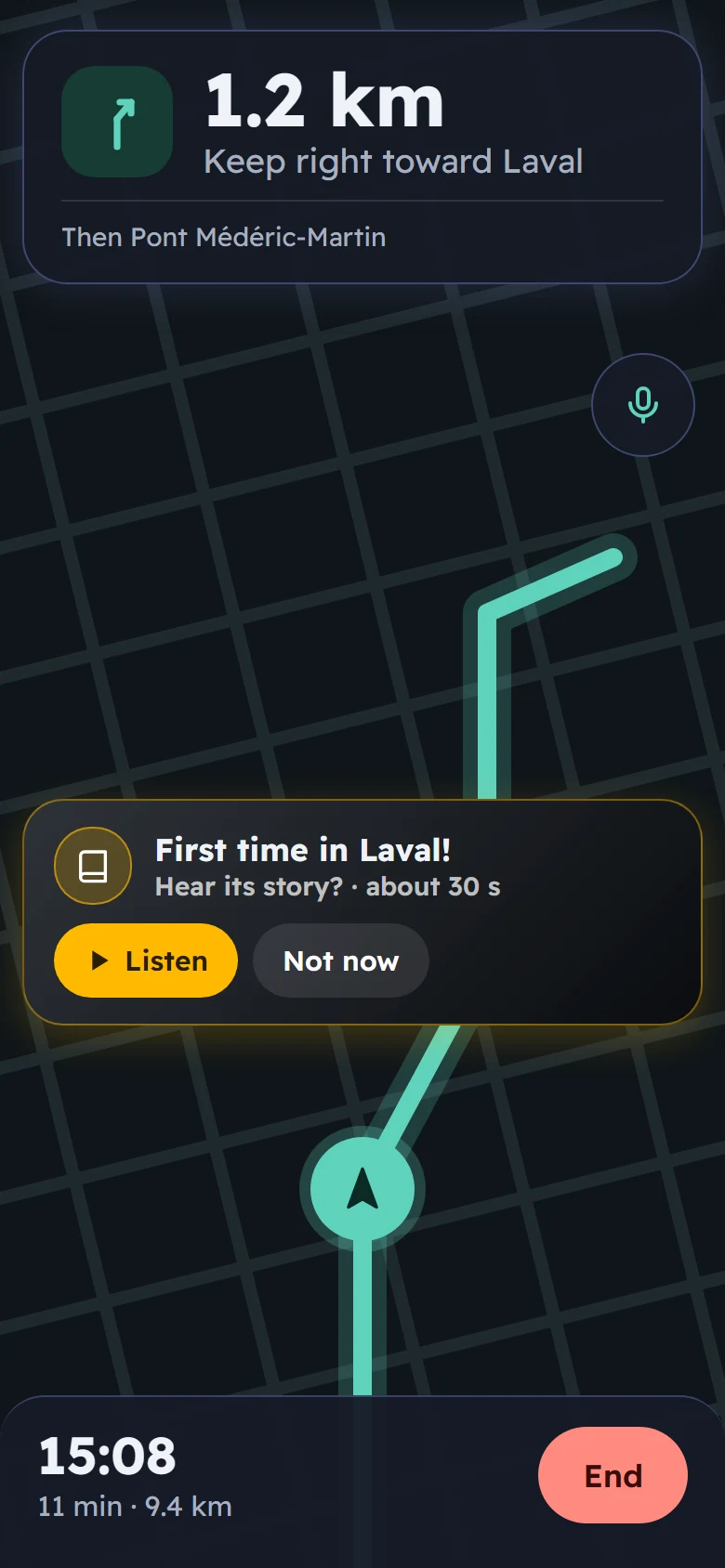
Navigation toward Laval with a card: First time in Laval! Hear its story? About 30 seconds, with Listen and Not now buttons
The story of Laval playing during navigation, told by AI, source Wikipedia

AI across the app

One co-pilot for the whole trip.

Live

City stories

A short, true story about each new city you reach, read aloud while you drive, walk or ride.

Live

Talk, don't tap

Hold the mic and ask “how long left?”, “take me home” or “tell me about this place”. Your voice is understood on the phone itself.

Live

Family road trips

Stories the whole car can enjoy, so the kids in the back seat learn about the places you pass.

Live

Stories, badges, quests

Hear a place, explore its streets, earn a badge. Then put your own quest on the map for friends to find.

Coming

The best stop for the group

Today you can ask for “gas at the next exit”. Next, the AI picks the stop that suits everyone in the outing.

Coming

Road reports

Traffic ahead, and a double-tap to report police, shared with everyone driving the same way.

How an outing works

From “let's go” to “we're here” in four taps.

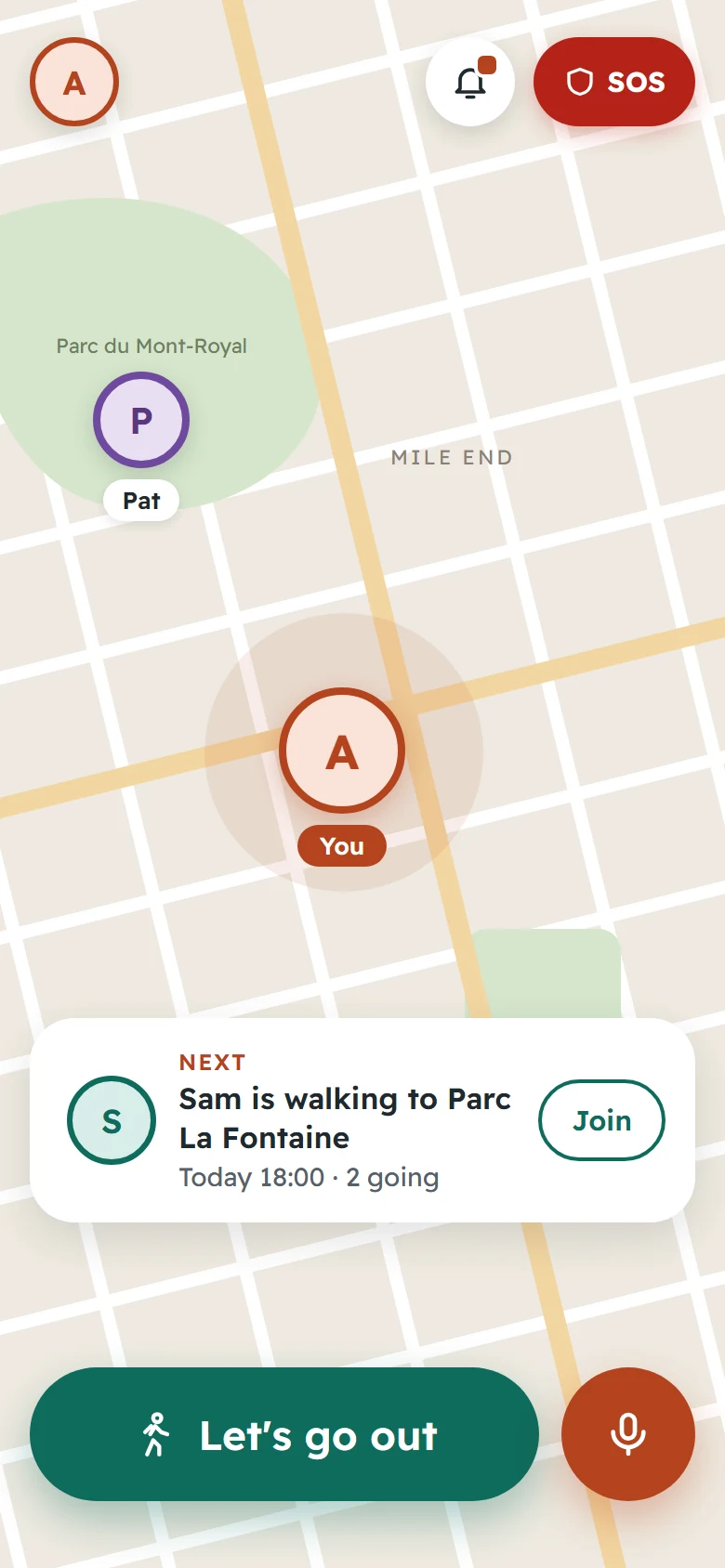
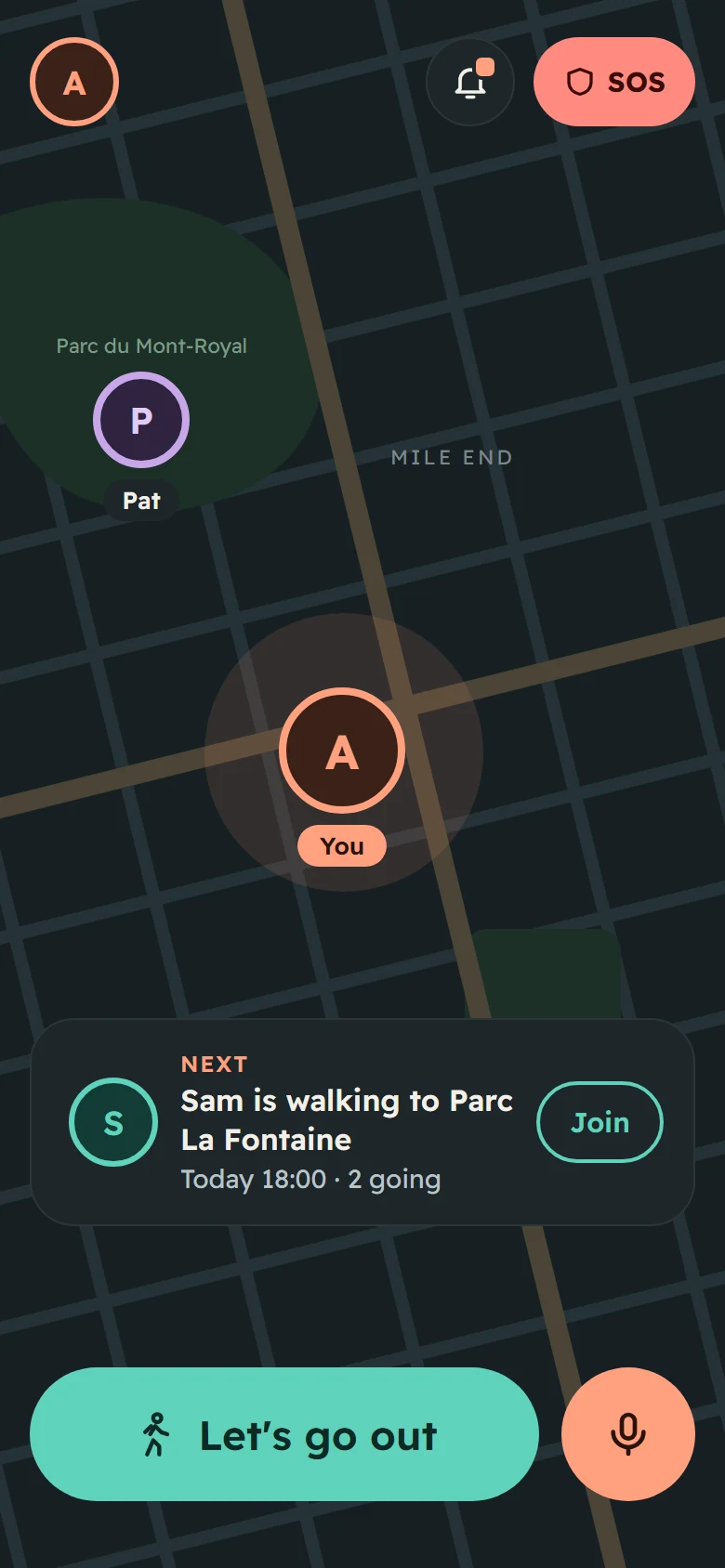
Home screen with a large “Let's go out” button and a card showing Sam is walking to Parc La Fontaine

Let's go out

One big button. Or join a plan a friend already started.

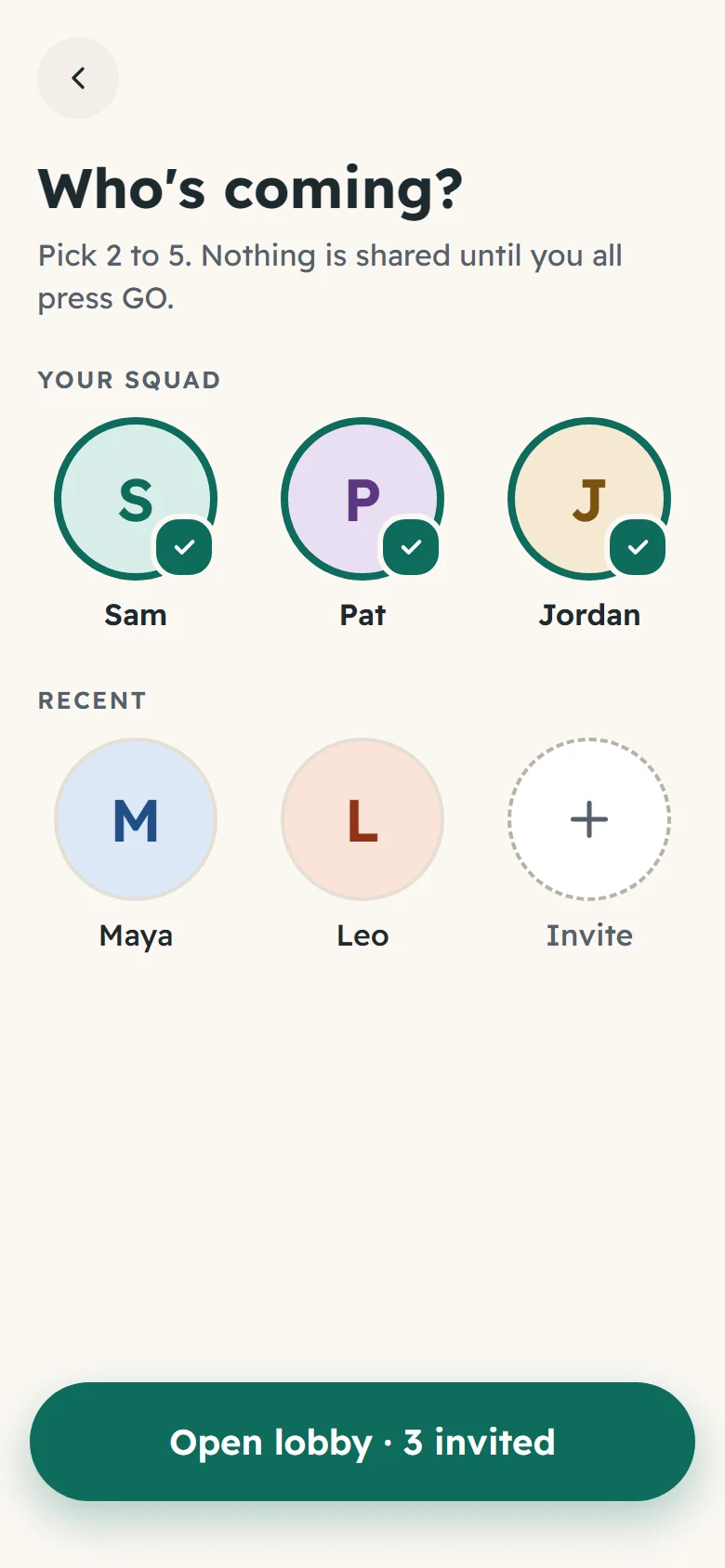
“Who's coming?” screen with Sam, Pat and Jordan selected

Pick who's coming

Choose two to five friends. Nothing is shared until everyone presses GO.

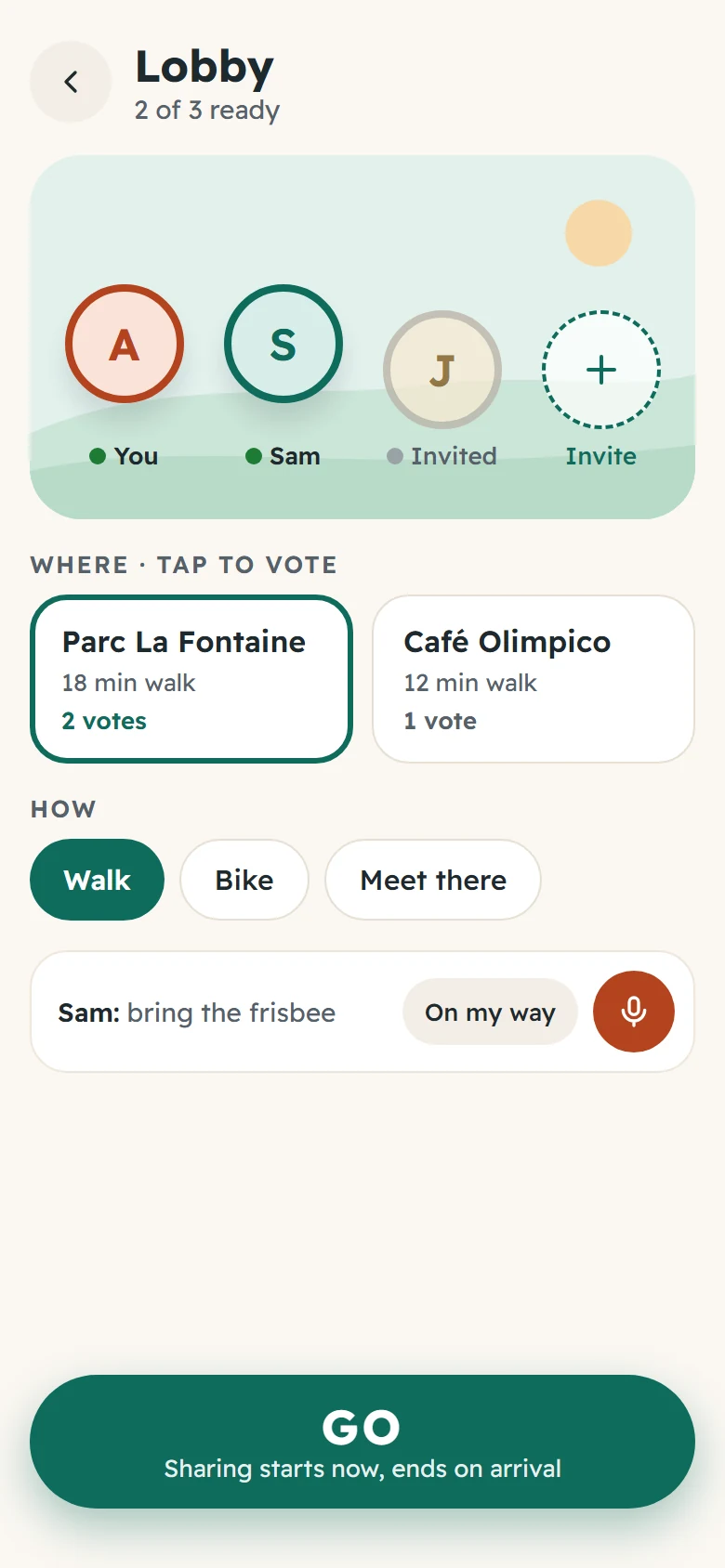
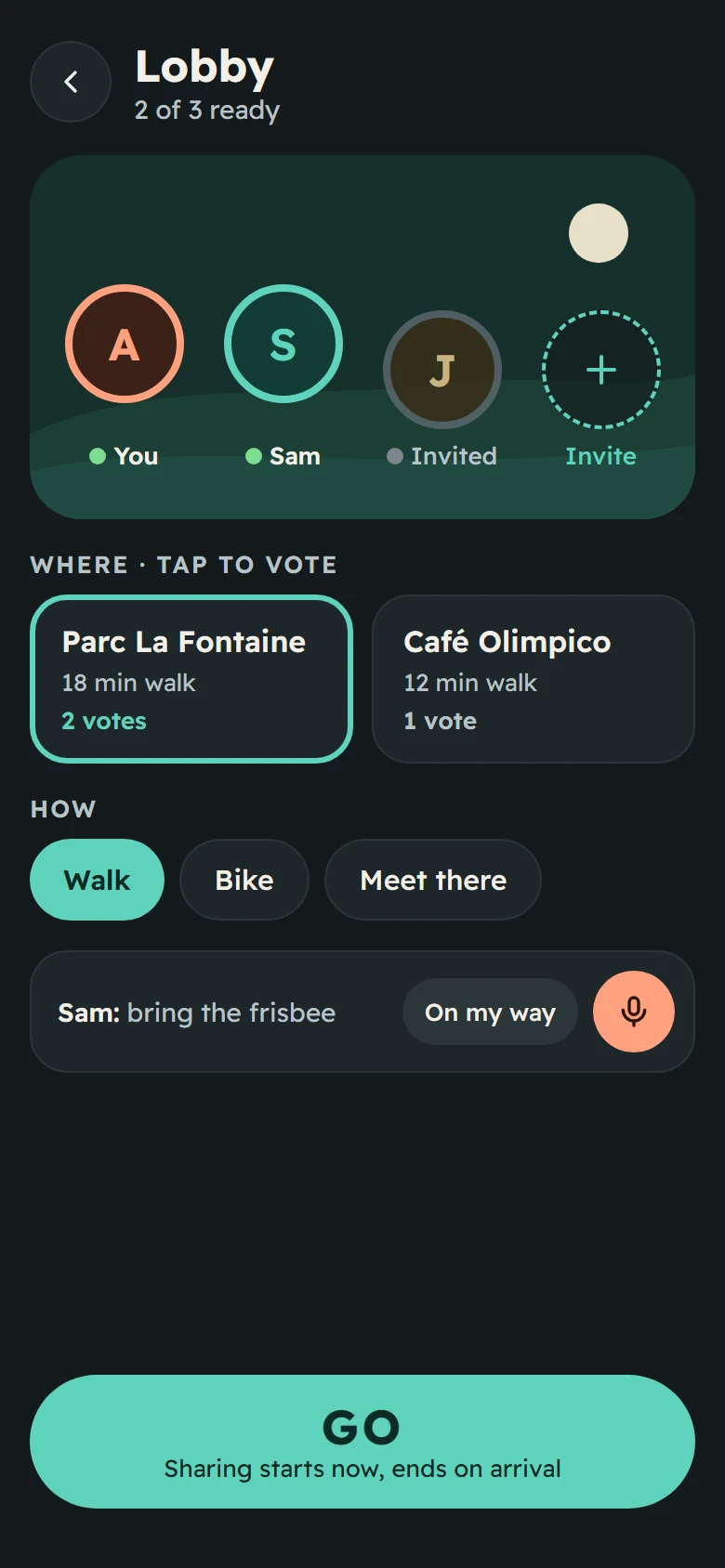
Lobby screen where the group votes between Parc La Fontaine and Café Olimpico and chooses walk, bike or meet there

Vote in the lobby

Where to, and how: walk, bike, or meet there.

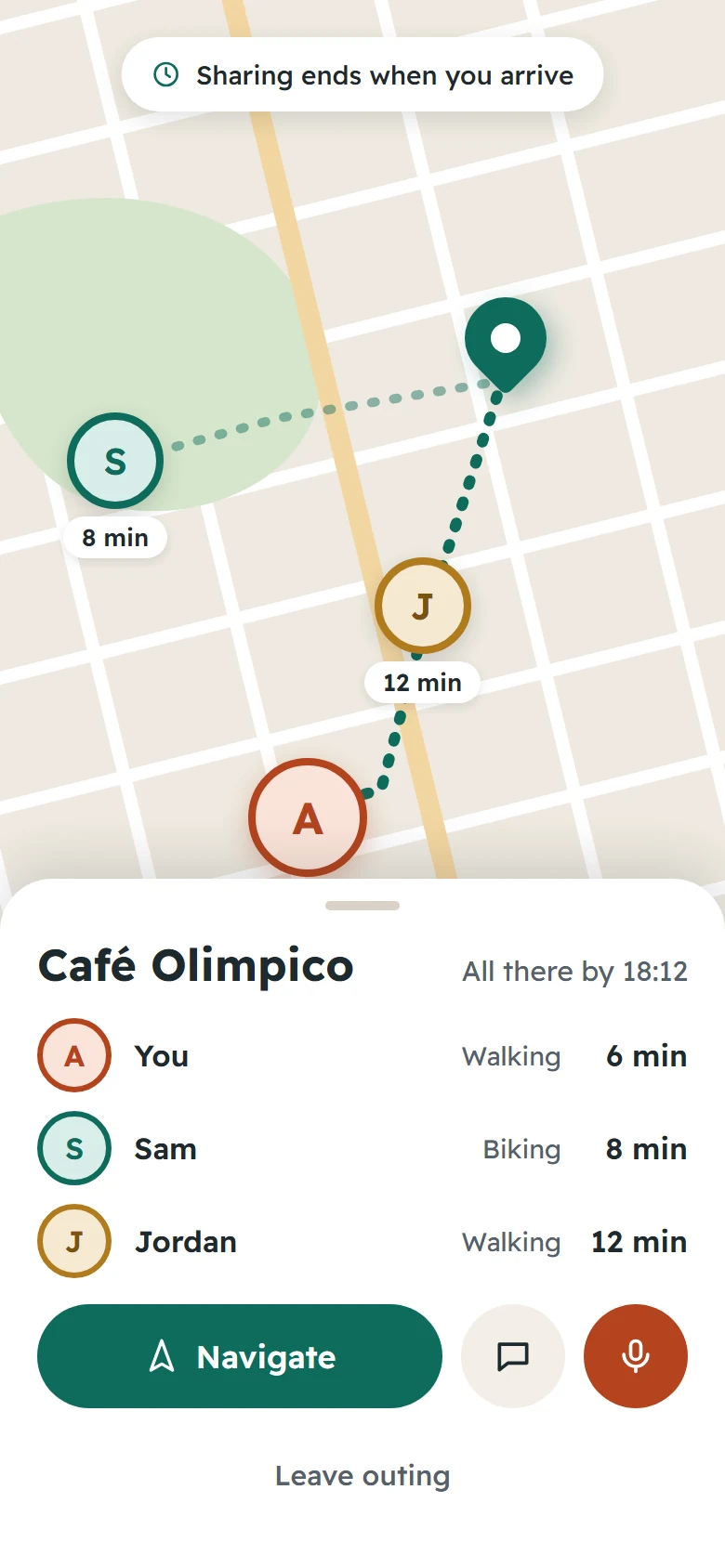
Map of the outing to Café Olimpico showing each friend's minutes away

Go together

See everyone's ETA on one card. Sharing stops on arrival.

Privacy first

Your location is not a leash.

Most location apps share where you are all day. On FriendsMap, an outing shares only while you travel together, and only with the people in it.

  • Outings share only on the way. Sharing has a start and an end.
  • A standing pin only for your closest people, and only if you both choose it.
  • Teens join through a parent.
  • SOS is always one tap away, on every screen.

Built for the way there

Everything for the trip, nothing you don't need.

Navigate together

Turn-by-turn directions with your squad's ETAs right under the route.

Hands-free voice

Hold to talk: “how long left?”, “who’s there?”, “find gas”. Your phone understands it, on the device.

Stories of the city

Tap a place and hear a short story about it. Montréal first.

SOS

Alert the people you trust with your location, in one tap.

Family mode

Teens join through a parent, who stays in the loop.

Light and dark

A warm, calm look by day and an easy one on the eyes at night.

On the road

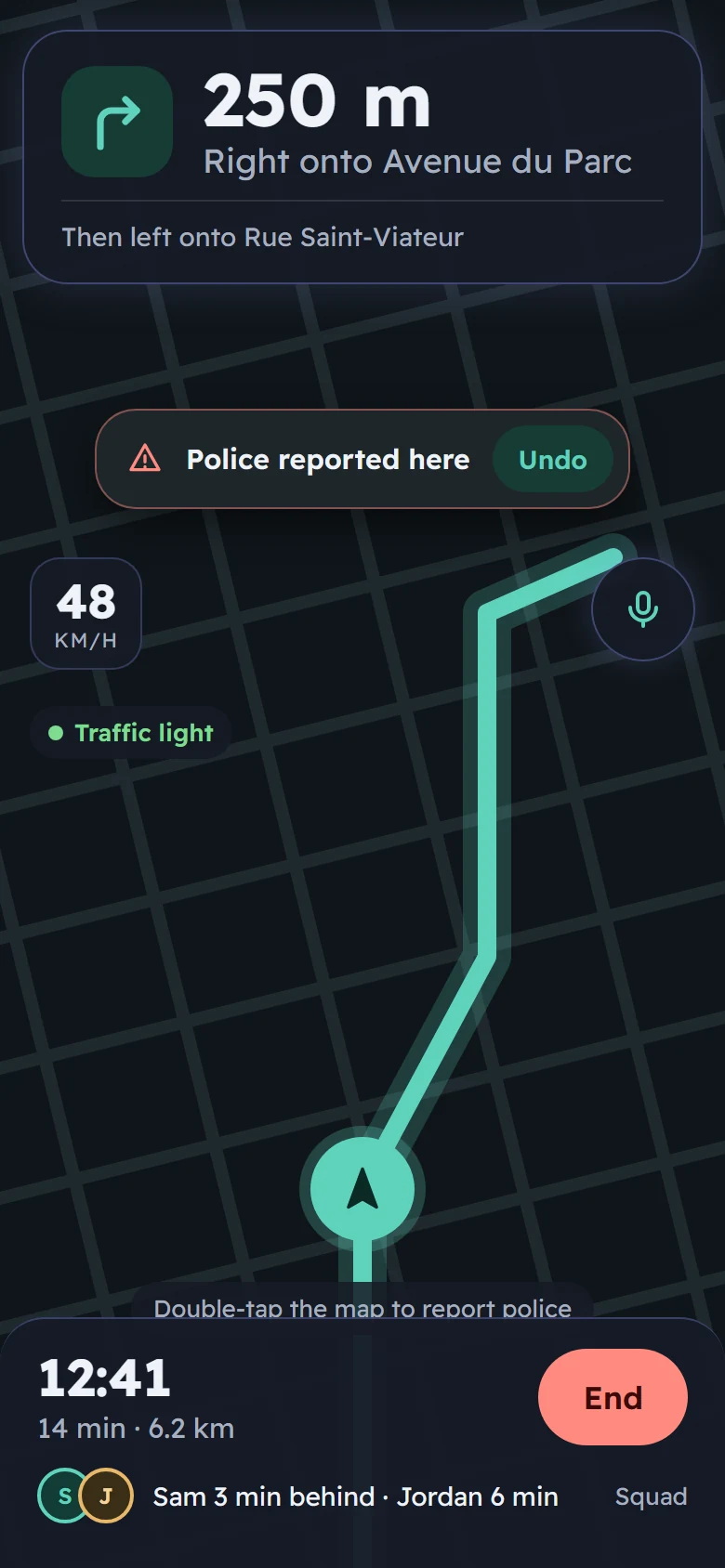
Directions and your squad, on one screen.

  • Big, clear next turn and distance.
  • Who is ahead, who is behind, and by how much.
  • Ask “how long left?” without taking your eyes off the road.
Navigation screen: 250 m, right onto Avenue du Parc, with Sam 3 minutes behind and Jordan 6 minutes away
Home screen in dark mode
Lobby screen in dark mode

After dark

Made for nights out, too.

Dark mode follows your phone. Same buttons, same places, softer on the eyes.

Your next trip starts here.

AI navigation for friends and family. Free on iPhone and Android.

Screens shown are design previews of the upcoming update.